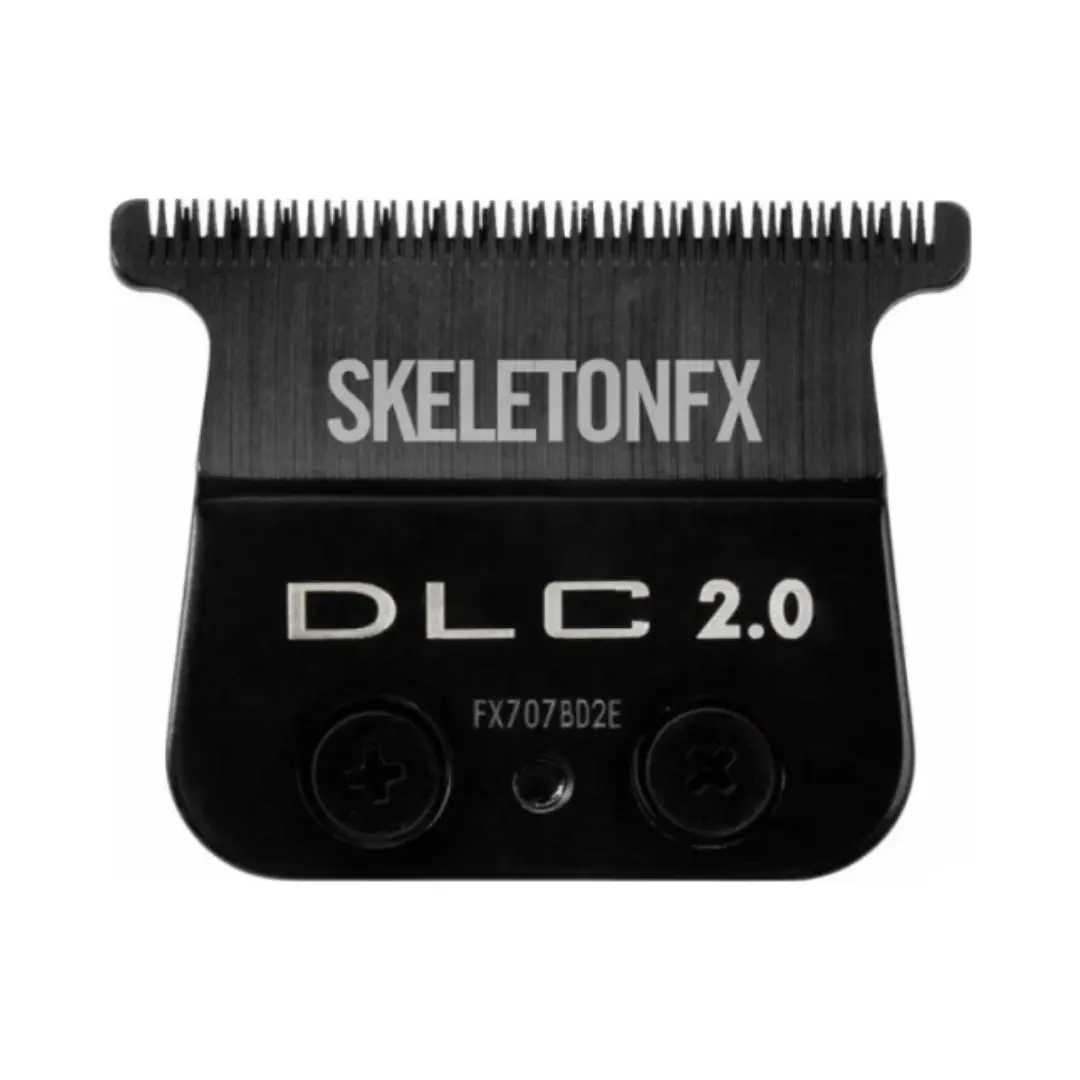
The replacement head is suitable for models: FX7870GE, FX7870BKE, FX7870GSE, FX7870RE, FX7870IE and FX726E.
How to use:
1. Switch the trimmer to the OFF position and unplug it from the electrical outlet.
2. Turn the trimmer upside down so that the teeth of the trimmer are facing down.
3. Place the trimmer on a flat surface.
4. Use a screwdriver to loosen the fixing screws on the blade assembly.
5. Then remove the blade assembly from the trimmer.
6. To install or replace the trimmer blade assembly, perform the procedure in reverse order.
7. The axis of the blade pad must be aligned with the movable blade pad.
8. Once the blade is in place, replace the blade screws and tighten them loosely.
9. Flip the trimmer back over and align the blade assembly parallel to the trimmer top cover.
1pc
Important Information: The product contains sharp parts. Handle with care to avoid injury. Use only with compatible devices recommended by the manufacturer. Before installing or replacing the blade, disconnect the device from the power supply or switch it off. Do not use a damaged or deformed blade. Keep out of reach of children. This product is not a toy. After use and cleaning, store in a clean and dry place. Do not attempt to modify or repair the product yourself.
Manufacturer / Distributor: Zl du Val de Calvigny, 59141 Iwuy-FR socialmedia_babylisspro@conair.com www.babylisspro.com www.babylisspro.eu







_3.png?w=408)
_3.png?w=408)
_4.png?w=408)
_7.png?w=408)
_3.png?w=408)
_7.png?w=408)
_5.png?w=408)
_5.png?w=408)